


輕鬆規劃並執行您的活動
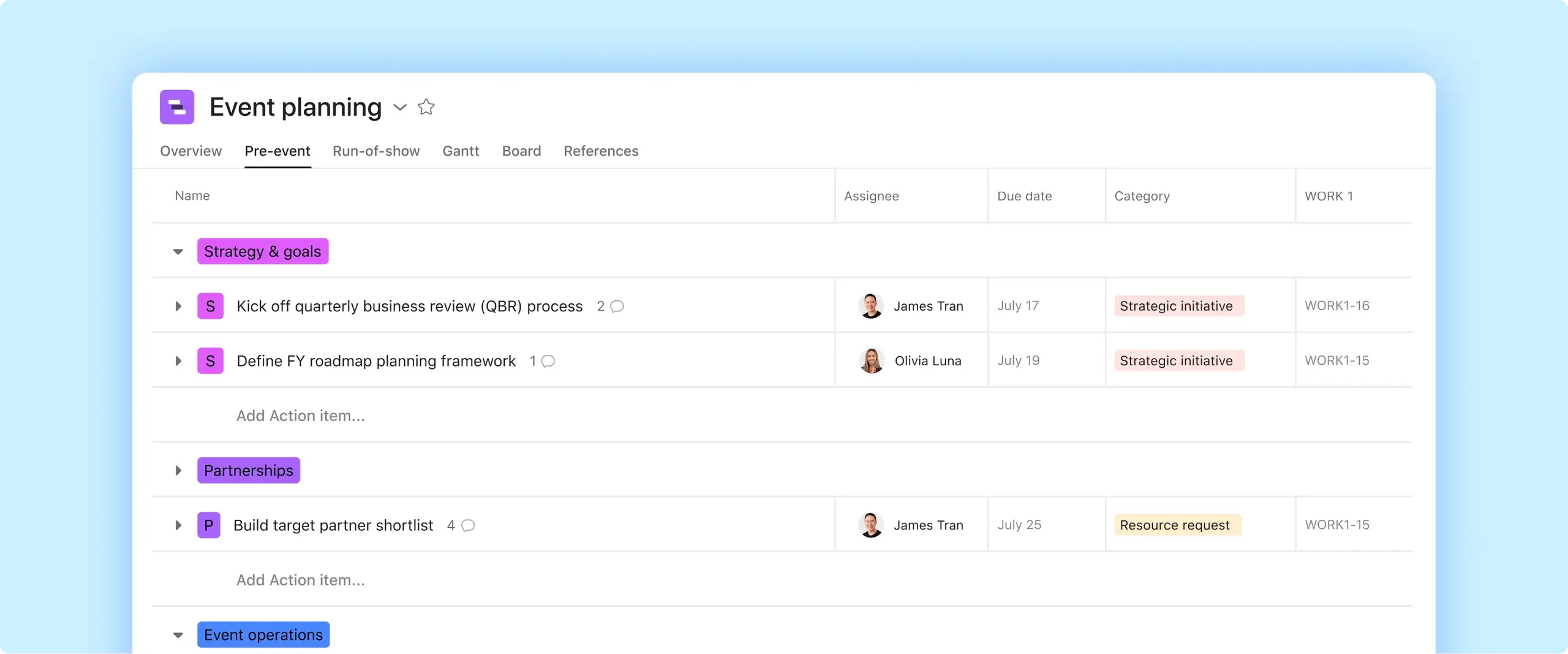
在預算規劃、供應商協商和協調任務之間,在規劃活動時有許多變動的部分需要管理。 為了確保您的活動策劃順利進行,您需要在一個容易存取之處組織所有的活動任務和詳細資料。 Asana 的活動策劃範本可讓您以高階視角檢視時間軸,並以簡單的方式進行協作。
透過協調的工作流程為您的活動做好準備。
您可以跨團隊指派任務、提前組織活動物流,並建立預算,以便每個人都能從同一個計劃中工作。
使用內建 AI 助手,更快速地撰寫活動內容。
AI 會產生日程、腳本和與會者材料的初稿,並在您需要版本化資產時將內容翻譯成其他語言。
以每個人都能理解的結構組織您的示範活動流程。
您概述開始時間、過渡和關鍵提示,以便演講者和員工遵循共同的排程。
何時使用 Asana 的活動策劃範本
Asana 的活動策劃範本可讓您在一處可存取的位置管理所有活動詳細資料,並提供靜態 Excel 試算表和 Google 試算表所無法提供的功能。 從追蹤預算到協調活動場地員工,我們的免費範本可確保您的專案計劃順利進行。
使用我們的活動規劃範本,即可:
如何使用活動策劃範本
此活動策劃範本為您的團隊提供預先建立的工作流程,以準備、排定和交付活動的每個部分。 它在一個工作空間中組織任務規劃、內容生產、時間安排和當天的執行,讓您可以輕鬆協調有史以來最佳活動的每個元素!
準備您的活動
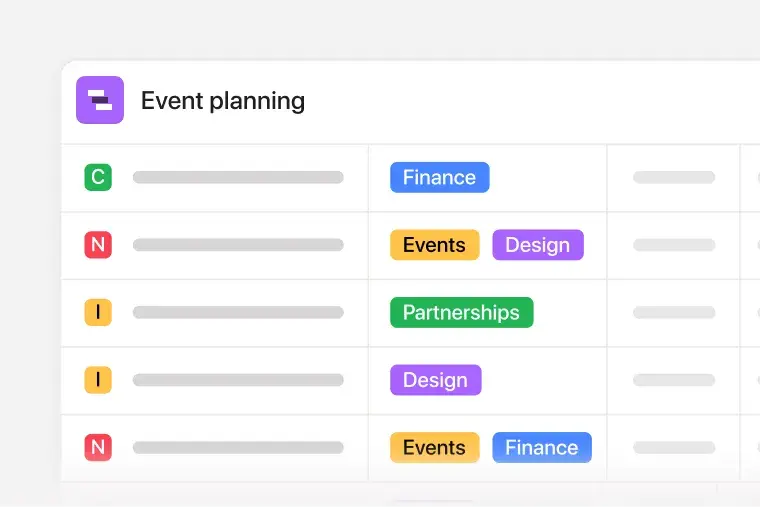
使用範本將任務指派給團隊成員,以便行銷、營運、財務和供應商合作夥伴確切地瞭解他們所負責的內容。 例如,您可以指派行銷部門管理促銷活動、設施部門處理房間設置,以及財務部門核准計劃中每項活動的支出。 新增場地、餐飲、生產和差旅等項目的預算欄位,以便您可以定義預期成本和實際成本。
使用 AI 撰寫活動內容
AI 為日程、腳本、電子郵件和活動材料撰寫初稿。 當您需要多種語言的與會者訊息時,AI 會處理翻譯並自動產生不同版本,從而無需手動翻譯或重寫。

組織您的示範活動流程
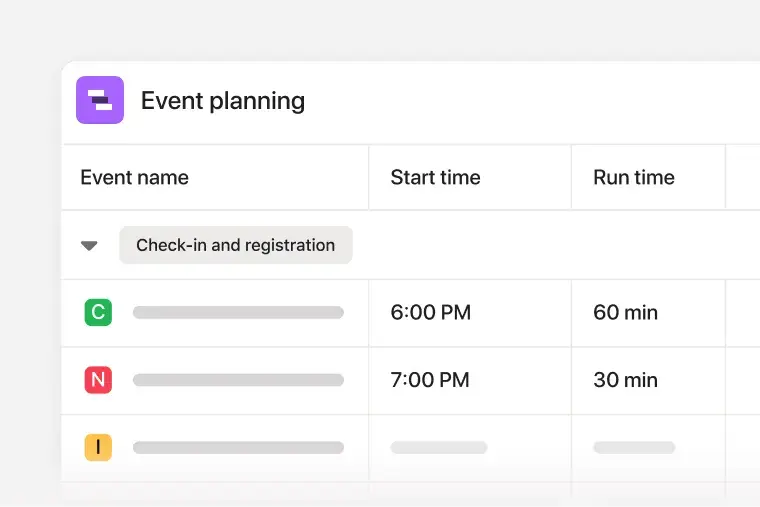
使用開始和運行時間欄位組織您的活動排程,以便向團隊展示活動開始的時間以及每個活動的持續時間。 如果您有主題演講,然後是小組討論,則活動流程表會清楚地顯示順序和時間。
您的團隊可以使用此活動策劃範本來指派任務、新增子任務、設定期限並連結相依性,以便每個人都能瞭解需要發生的事情以及推進活動的順序。 儀表板提供工作負荷、時間和活動趨勢的即時檢視,幫助您在影響排程之前識別延遲並進行調整。 例如,如果設計核准停滯或註冊任務堆積,儀表板會強調減速,以便您可以進行干預並使活動保持正常。
Asana 的活動策劃範本包含 AI 功能,可加速溝通、減少重複性工作,並隨著詳細資料的發展,協助您維持井然有序。 您無需切換工具或從空白頁面開始,即可產生內容、翻譯更新內容並完善訊息。
Asana AI 功能包括:
使用 AI 撰寫活動內容。 產生描述、演講者簡介、宣傳文字和其他活動就緒的文字。 AI 提供了您可以編輯和定稿的初稿,從而節省了最繁忙的規劃期間的時間。
AI 撰寫內容。 讓 AI 為邀請、狀態更新或日程摘要提供措辭建議。 這些提示可協助您更快地進行溝通,同時確保各個管道的訊息保持一致。
跨語言 AI 翻譯。 為國際與會者、贊助商或廠商翻譯內容。 AI 支援多語言規劃,無需聘請翻譯人員即可更輕鬆地分享說明和活動詳細資料。
例如,如果您的團隊確認了主講人,您可以詢問 AI 起草活動公告、翻譯不同地區的公告,並為電子郵件和社交媒體貼文建立自訂版本。 藉助 Asana AI,您無需從零開始,並且有更多時間專注於後勤而非措辭。
FAQs about event planning templates
An event planning template is a ready-made, reusable workflow that outlines the steps your team needs to take to plan and execute a successful event. Asana’s free event planning template comes pre-populated with sections, automations, and custom fields that help you manage important details. Plus, our event template is duplicatable, so you can follow the same planning steps for similar events.
Your event planning template should cover the big-picture planning information and in-depth logistical details. Create your event planning template before you kick off your planning process so you can confirm all dates and deadlines. Use the template to align with your team on a budget and create an event task timeline. Then track who’s doing what and by when so everything gets done on time.
You can use Asana’s event planning template to track key planning details, including your event’s budget and timeline, guest list, and critical logistics. By using Asana’s pre-populated sections, you can track your event tasks from the months leading up to the event through the day of. You can also use the template to track event success and performance metrics.
You can use our event planning template to plan and manage small and large events, including conferences, seminars, webinars, virtual events, trade shows, product launches, and more.
Successful events rely on different templates that support each stage of planning, promotion, execution, and follow-up.
Event marketing plan template: Outline your promotional strategy, channels, messaging, and campaign milestones so you attract the right audience for your next event.
Event budget template: Track costs like venue fees, catering, rentals, staffing, and marketing expenses to keep spending aligned with financial goals.
Event timeline template: Map out every task, dependency, and deadline leading up to the event so your team knows what to do and when.
Run of show template: Organize the sequence of speakers, timing, transitions, cues, and production moments that occur during the event itself.
Event checklist template: An event to-do list that confirms every task, detail, or follow-up item is covered.
Yes, Excel or Google Sheets can work for a simple guest list or budget. But spreadsheets don't assign owners, link dependent tasks, or automatically share status updates. Asana's event planning template keeps tasks, timelines, budgets, and vendor details in one shared project, and you can duplicate it for every similar event.
An event checklist is a to-do list that confirms every task and detail is covered. An event planning template is the full plan: budget, timeline, owners, vendors, and run of show. In Asana, the checklist lives inside the template, so every item has an owner and a due date.
A run-of-show template is the minute-by-minute schedule for the event itself. It lists start times, run times, transitions, and cues so speakers and staff follow the same plan. In Asana's event planning template, the start and run time fields show the order and timing of each session, such as a keynote followed by a panel.